Ruuvi Firmware: open sensor beacon firmware for RuuviTag (nRF52)
Official open firmware for the RuuviTag environmental sensor beacon (nRF52832) broadcasting BLE sensor data.
Key Facts
- Chip: nRF52832
- Sensors: temp, humidity, pressure, accel
- Radio: BLE advertisements
- Platform: Nordic SDK 15
About This Project
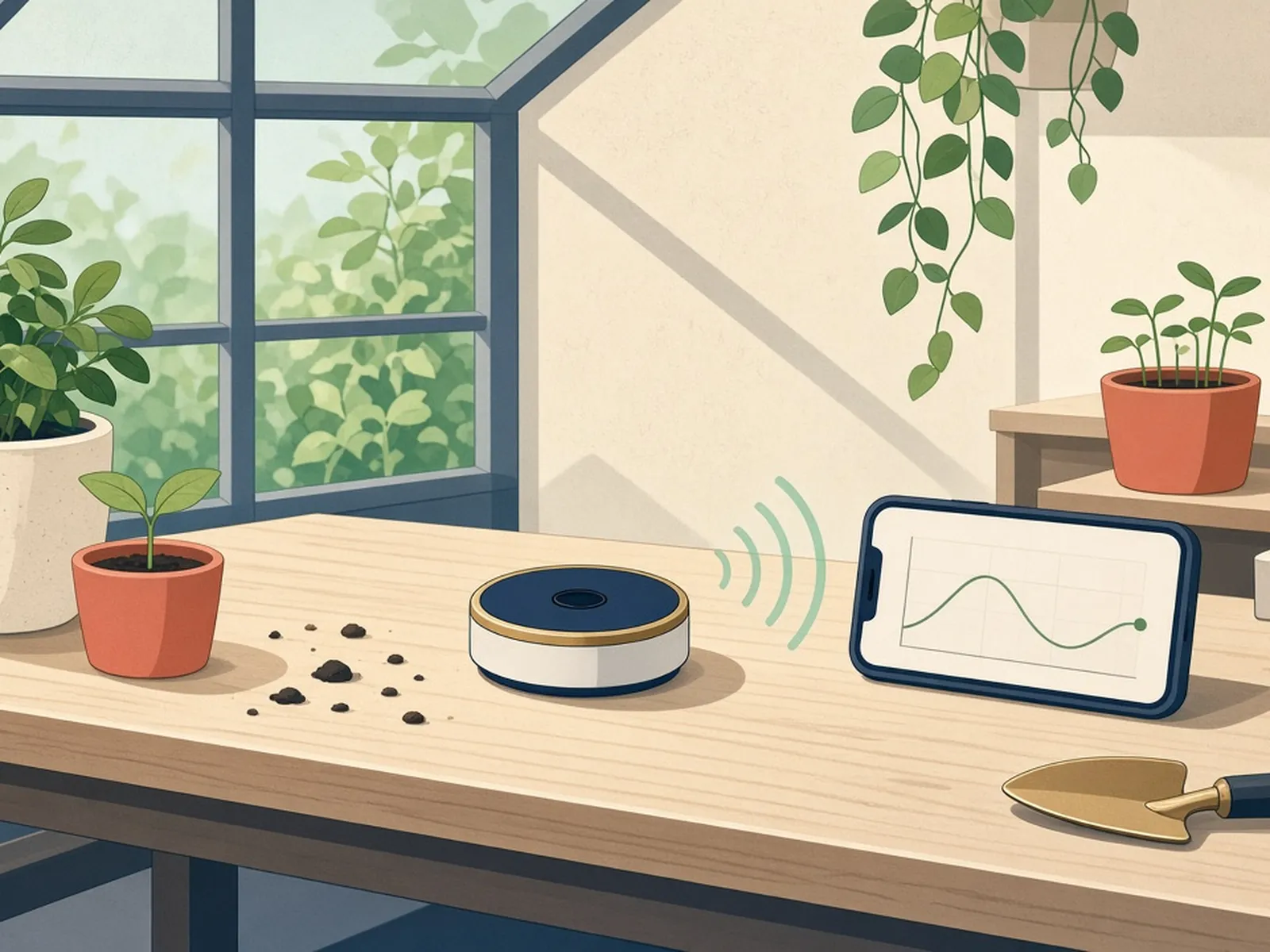
RuuviTag is a rugged Nordic nRF52832 sensor beacon measuring temperature, humidity, pressure and acceleration, used widely for home and industrial monitoring. This repository is the official C firmware (v3) built on Nordic SDK 15. Tags broadcast sensor data over BLE advertisements that phones, Raspberry Pis or ESP32 Bluetooth proxies can collect into Home Assistant or Grafana. A strong example of production-quality open nRF52 firmware.
Source & Attribution
Parts Needed
- RuuviTag sensor beacon
- Ruuvi DevKit (or another SWD programmer with a TC2030 cable) for wired flashing
- Phone with nRF Connect for over-the-air (DFU) updates
- Computer with ARM GCC 7-2018-q2, Python 3.7+ and Nordic SDK 15.3
Steps
- 1
Just updating?
If you only want the stock firmware, download a release DFU zip and flash it over Bluetooth from your phone. No build tools are needed.
- 2
Set up the toolchain
Clone the repo with its submodules (git clone --recursive). Install the gcc-arm-none-eabi version the README specifies, and unpack Nordic SDK 15.3 into the project root.
- 3
Customise
Look in application_config/app_config.h for configurable settings, such as advertising interval, logging interval and motion sensitivity. Put your changes in the application-mode header listed there.
- 4
Build
Use Segger Embedded Studio (installed via nRF Connect for Desktop) and choose the Debug, Long Life or Release configuration. For repeatable builds, run make with a variant name, e.g. make ruuvitag_b.
- 5
Flash
Wired: connect the DevKit with the TC2030 cable and flash or debug from SES. Wireless: put the tag into bootloader mode and upload the generated DFU zip with nRF Connect.
- 6
Tips
Run make astyle before sending changes upstream. A mis-built image can drain the coin cell quickly, so check current draw if you changed sleep or advertising settings.
Not included: 3D-printed case, wire, solder, USB cable
Related Projects