nrfmicro: nRF52840 Pro Micro drop-in for wireless keyboards
An open Pro Micro-shaped nRF52840 board that lets you build wireless ZMK/QMK keyboards.
Key Facts
- Chip: nRF52840
- Form factor: Pro Micro compatible
- Use: ZMK / wireless QMK keyboards
- Features: LiPo charging, optional RGB
About This Project
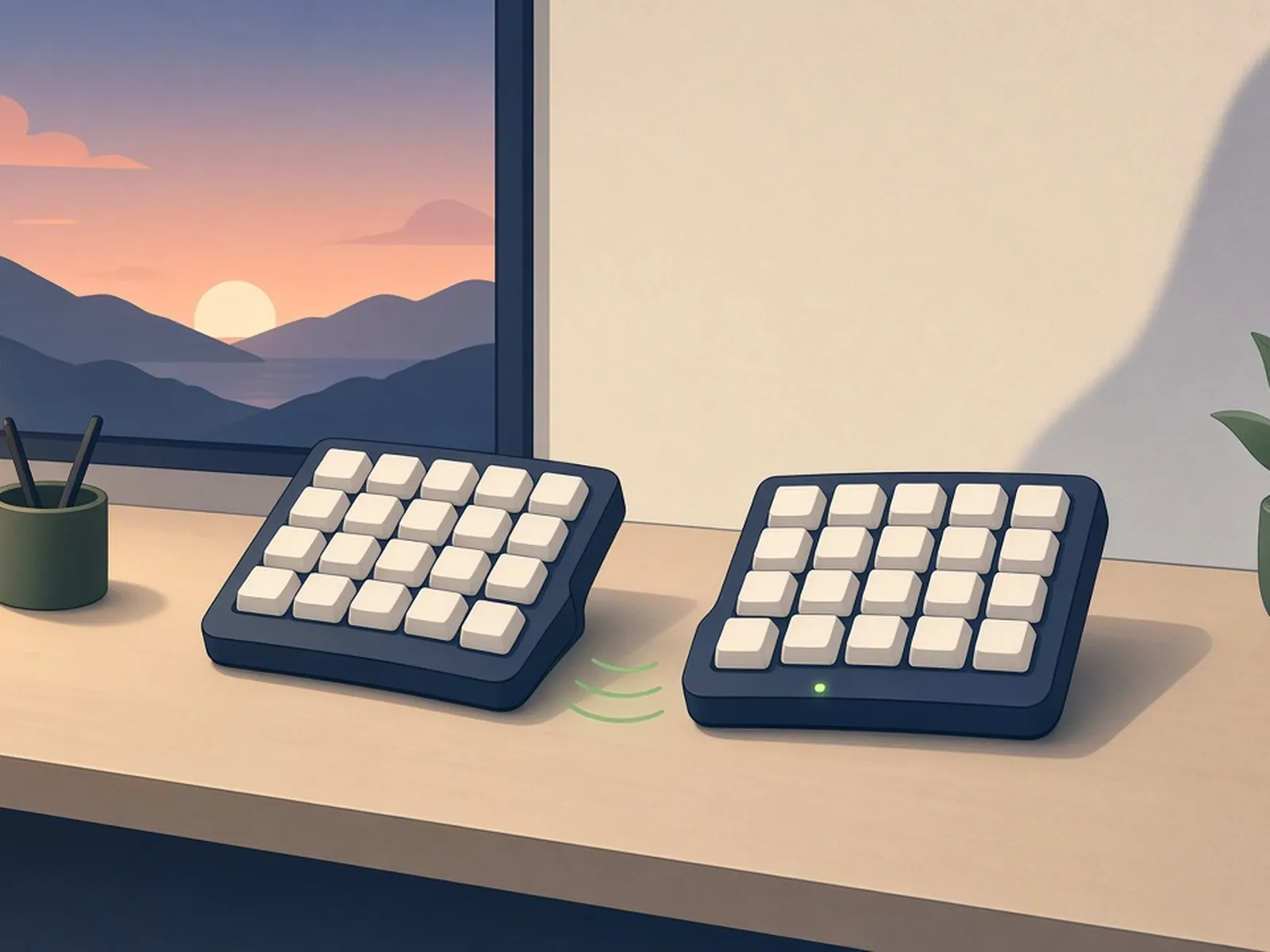
nrfmicro is a community open-hardware board that fits the Pro Micro footprint but uses an nRF52840, so split and wireless keyboards can run ZMK or nRF-powered QMK without redesigning the PCB. It includes battery charging, a reset button and optional RGB. Together with the nice!nano it is a cornerstone of the wireless mechanical keyboard DIY scene.
Source & Attribution
Parts Needed
- nRFMicro PCB (order from the latest Gerbers) and its parts, or a nice!nano v2 as an equivalent
- Small LiPo battery (e.g. 301230 / 100mAh)
- Keyboard PCB that takes a Pro Micro
- Fine-pitch SMD soldering gear if you assemble it yourself
Steps
- 1
Get a board
Download the latest Gerbers from the releases and order PCBs. Use the interactive BOM (joric.github.io/nrfmicro) to source and place the parts, or buy an assembled board.
- 2
Flash the bootloader
A freshly built board needs the UF2 (Adafruit nRF52) bootloader written over SWD with a debug probe. The project wiki covers which bootloader to use and how to flash it.
- 3
Install keyboard firmware
With the bootloader in place, double-tap reset to bring up a USB drive and drop on a ZMK UF2 built for your keyboard with the nRFMicro or nice!nano board target.
- 4
Fit it to the keyboard
Solder it in place of the Pro Micro, using sockets if you like, and connect the battery to the battery pads or connector.
- 5
Pair
Pair the keyboard with your computer over Bluetooth, the same as any BLE keyboard. ZMK handles split halves and multiple host profiles.
- 6
Tips
Use KiCad 6.0.11 if you plan to edit the design, as the author notes the tooling isn't compatible with newer KiCad. Check the wiki for revision-specific notes.
Not included: 3D-printed case, wire, solder, USB cable
Related Projects