squeezelite-esp32: multi-room audio player on ESP32
Turns an ESP32 with an I2S DAC into a synced multi-room speaker for Logitech Media Server, AirPlay and Bluetooth.
Key Facts
- Chip: ESP32 with PSRAM (WROVER)
- Audio: I2S DAC / amp
- Sources: LMS, AirPlay, Bluetooth
- Config: web UI
About This Project
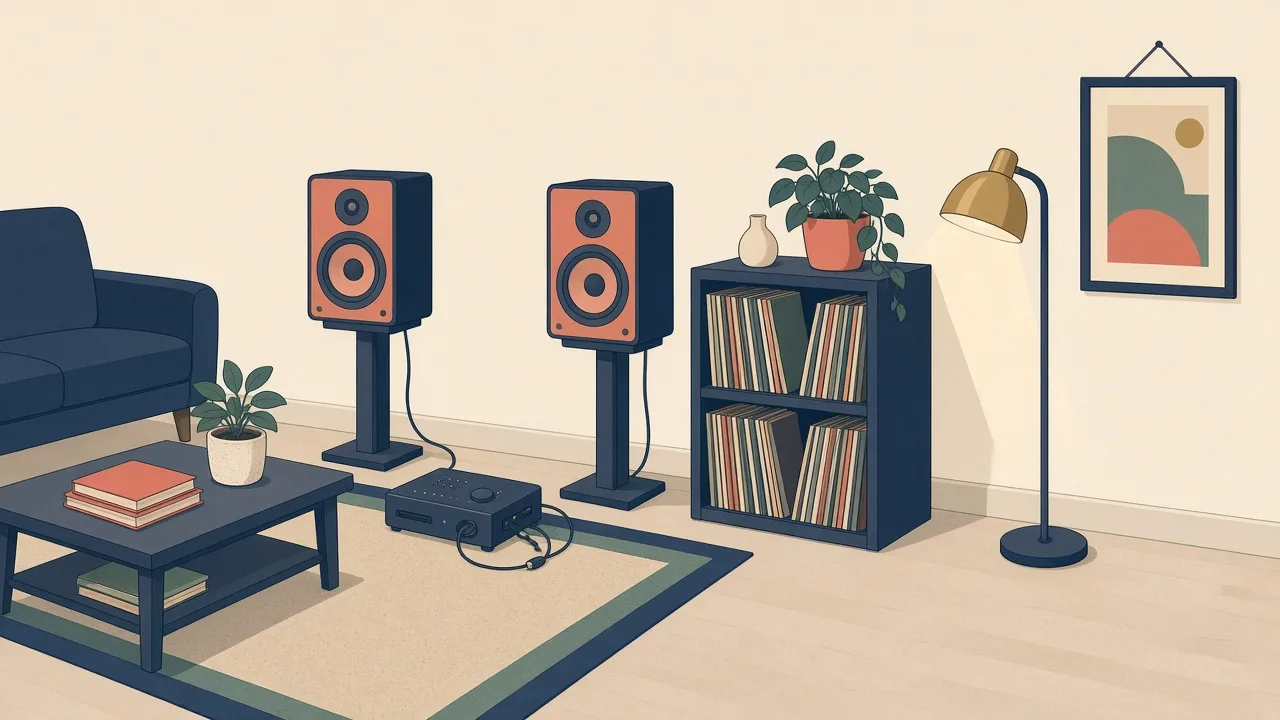
squeezelite-esp32 ports the Squeezelite player to the ESP32 so a small board plus a DAC or amp becomes a network audio endpoint. It syncs with Lyrion/Logitech Media Server for multi-room playback, and also accepts AirPlay and Bluetooth streams. It supports many off-the-shelf boards (e.g. ESP32-A1S audio kits and Louder-ESP32), displays, rotary encoders and IR remotes, with a web UI for setup. A solid choice for reviving old speakers.
Source & Attribution
Parts Needed
- ESP32-WROVER board with 4MB flash + 4MB PSRAM (or a supported ESP32-S3 / ready-made board like SqueezeAMP or Muse Luxe)
- I2S DAC (e.g. PCM5102) and/or I2S amplifier and speakers
- Optional: buttons, rotary encoder, IR receiver, display
- A Logitech Media Server (LMS) install for the full multi-room experience
Steps
- 1
Wire the audio
Connect the DAC or amp's I2S lines (BCK, WS, DO) and power to free GPIOs on the ESP32. Ready-made boards like the SqueezeAMP need no wiring.
- 2
Flash
Use the project's web installer, or flash the release binaries with esptool. Pick the build for your chip and the I2S or SqueezeAMP variant.
- 3
Join Wi-Fi
On first boot it opens a squeezelite hotspot. Connect to it and enter your home Wi-Fi details in the captive portal.
- 4
Configure hardware
In the web UI, set the DAC model and pin assignments (the 'dac_config' setting), any button or encoder mappings, and the player name.
- 5
Play
It appears as a player in LMS. For Spotify, AirPlay or Bluetooth, enable those modes in the UI. Install the LMS plugin from the third-party repos for the equalizer and display features.
- 6
Tips
Without PSRAM it won't work. The author notes the project is designed around LMS; the standalone modes work but are secondary.
Photos
Photos from github.com
Not included: 3D-printed case, wire, solder, USB cable
Related Projects